Three moves. One finished quote.
No training manual needed. If you can add items to a basket, you can build a quote in Pricora.
We set it up around your business
Together we agree your markets, customer tiers and approval levels. Then you hand over the price list you already use, as an ERP export or an Excel file, and we load it.
Tap to build the quote
Choose the market and customer tier, then add machines, accessories and service contracts. Total, discount and approval level update as you go.
Send it and you're done
One click gives you the quote PDF, and the deal is saved to your pipeline, in Pricora or on the opportunity in Salesforce.
It stays yours to run
Upload new prices yourself
When a price list changes, you upload the updated file and reps see the new prices. No ticket to raise and no waiting on us.
It changes as your business does
A new market, a new customer tier or a new product line can be added without starting again.
Every product, priced for the customer in front of you
Switch market or customer tier with one tap and the whole catalogue reprices.
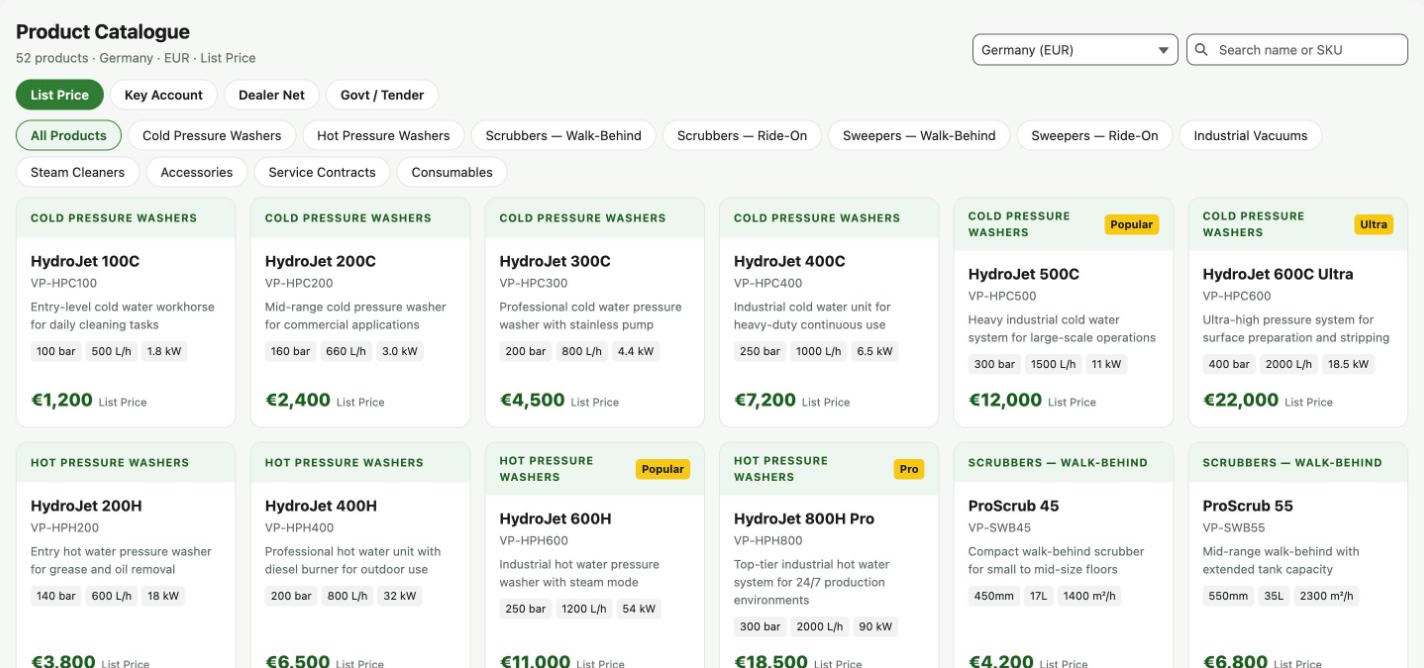
Real screen from the product, shown with demo data.